Small businesses increasingly depend on technology to manage payments, communicate with customers, store important information, operate websites, and handle everyday business activities. While digital tools make business operations faster and more efficient, they also create cybersecurity risks.
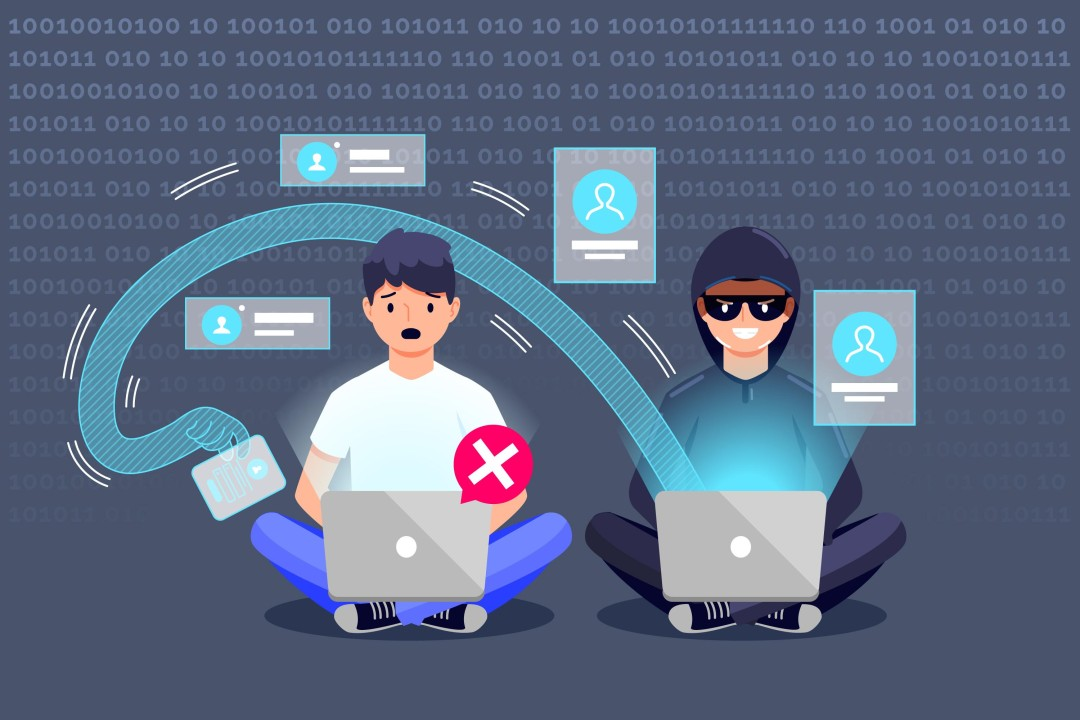
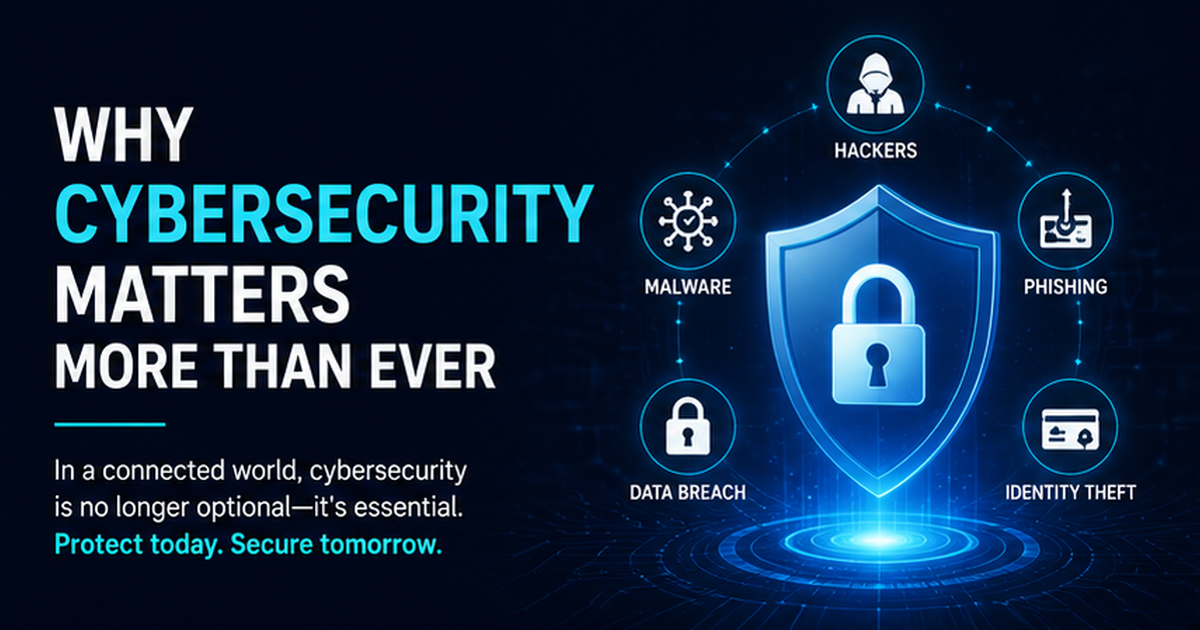
Cybercriminals do not target only large corporations. Small businesses can also face phishing attacks, ransomware, stolen passwords, malware, data breaches, and financial fraud. In some cases, smaller organizations may be particularly attractive targets because they have fewer cybersecurity resources.
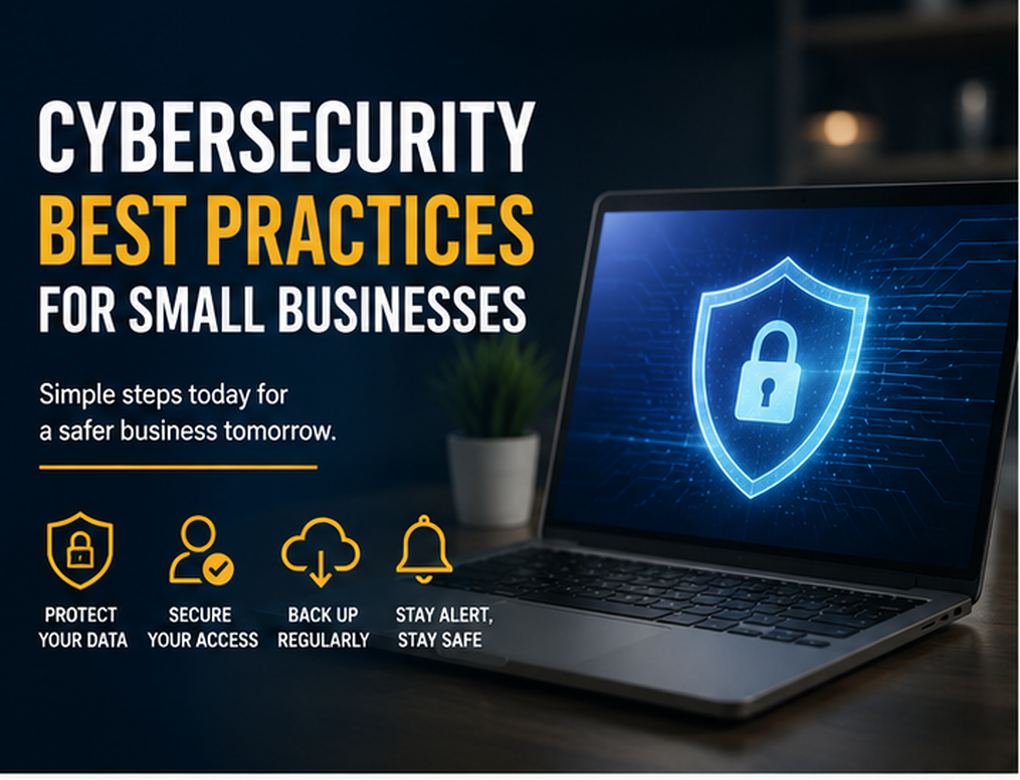
Following effective cybersecurity best practices for small businesses can significantly reduce these risks. Cybersecurity does not always require an expensive security department. Strong passwords, employee awareness, regular updates, reliable backups, and sensible access controls can provide a solid foundation.
This guide explains practical cybersecurity measures small businesses can use to protect their data, customers, employees, and reputation.
Why Cybersecurity Matters for Small Businesses
Technology is now involved in almost every area of business.
A company may store customer names, email addresses, payment records, invoices, employee information, contracts, passwords, and other confidential data electronically. If attackers gain unauthorized access, the consequences can extend far beyond temporary technical problems.
A cybersecurity incident may result in:
- Financial losses
- Business interruption
- Stolen customer information
- Loss of important files
- Reputation damage
- Legal or regulatory complications
- Reduced customer confidence
For a small organization with limited resources, recovering from a serious cyberattack can be difficult.
Cybersecurity should therefore be treated as an ongoing business responsibility rather than simply an IT issue.
1. Use Strong and Unique Passwords
Password security is one of the simplest places to start.
Employees should avoid weak passwords based on names, birthdays, company names, common words, or predictable number combinations.
More importantly, the same password should not be reused across multiple business accounts.
If criminals obtain a reused password from one compromised service, they may try it on email accounts, cloud services, social media profiles, and other systems.
Businesses should encourage long, unique passwords or passphrases for every important account.
A reputable password manager can also help employees generate and securely store unique credentials without needing to memorize every password.
2. Enable Multi-Factor Authentication
Passwords alone may not provide sufficient protection.
Multi-factor authentication, commonly called MFA, adds another verification step when someone signs in.
Depending on the service, this additional verification could involve an authenticator application, security key, biometric confirmation, or another approved authentication method.
If a password is stolen through phishing or a data breach, MFA can make unauthorized access considerably more difficult.
Small businesses should prioritize MFA for critical services such as:
- Business email
- Banking and payment accounts
- Cloud storage
- Accounting software
- Website administration
- Social media accounts
- Customer management platforms
Administrator accounts should receive particularly strong protection.
3. Keep Software and Devices Updated
Outdated software can contain security vulnerabilities that attackers may exploit.
Operating systems, browsers, applications, plugins, website platforms, routers, and other business technologies should be updated regularly.
Whenever practical, enable automatic security updates.
Businesses should also keep an inventory of important devices and applications. This makes it easier to identify outdated systems.
Special attention should be given to software that is no longer supported by its developer. Unsupported applications may stop receiving security fixes and can become increasingly risky over time.
4. Train Employees to Recognize Phishing
Employees are an important part of cybersecurity.
Phishing attacks attempt to trick people into revealing passwords, downloading malicious files, transferring money, or providing sensitive information.
A phishing email may appear to come from a bank, supplier, manager, customer, delivery company, or familiar online service.
Common warning signs include:
- Unexpected password-reset requests
- Suspicious attachments
- Urgent payment instructions
- Requests for confidential information
- Unusual login links
- Unexpected changes to payment details
- Messages creating extreme urgency or fear
Employees should know how to report suspicious messages rather than responding immediately.
Regular cybersecurity awareness training can help employees recognize changing attack techniques.
5. Back Up Important Business Data
Reliable backups are essential for business continuity.
Important information may be lost because of ransomware, accidental deletion, device failure, theft, or other unexpected events.
Businesses should regularly back up critical files such as financial records, customer information, contracts, operational documents, and website data.
A strong backup strategy should include multiple copies rather than relying on a single backup location.
At least one backup should be protected from routine access to the main business network. This can help prevent ransomware from encrypting both the original files and every available backup.
Backups should also be tested periodically.
A backup that cannot be restored when needed provides little protection.
6. Secure Your Wi-Fi Network
Business Wi-Fi should be properly configured and protected.
Change default router usernames and passwords, use strong encryption supported by the equipment, and keep router firmware updated.
Guest Wi-Fi should ideally be separated from systems containing sensitive business information.
Allowing customers, visitors, and business-critical devices to operate on the same unrestricted network can unnecessarily increase exposure.
Businesses should also review which devices are connected to their networks and remove unauthorized or obsolete equipment.
7. Limit Access to Sensitive Information
Not every employee needs access to every business system.
Access should generally be based on job responsibilities.
For example, an employee responsible for marketing may need access to social media accounts but may not require access to payroll information.
This approach is commonly associated with the principle of least privilege: users receive only the level of access necessary to perform their work.
When an employee leaves the company or changes roles, access permissions should be reviewed promptly.
Old accounts should be disabled when they are no longer required.
8. Protect Business Email Accounts
Email is one of the most common entry points for cyberattacks.
Business email accounts may contain confidential conversations, password-reset messages, invoices, contracts, and other valuable information.
Companies should protect email accounts with strong passwords and MFA.
Employees should also be particularly cautious when receiving requests involving:
- Bank account changes
- Large payments
- Password resets
- Gift card purchases
- Confidential documents
- Unexpected attachments
Important financial requests should be independently verified through a trusted communication method.
For instance, if a supplier unexpectedly emails new bank details, confirm the change using a previously verified telephone number rather than relying solely on the email.
9. Install Appropriate Security Software
Business devices should have appropriate security protections enabled.
Depending on the operating system and business environment, this may include antivirus or endpoint protection, firewalls, web protection, and device security features.
Security tools should remain updated.
However, software alone cannot prevent every attack. It should be combined with employee education, MFA, backups, access controls, and other cybersecurity measures.
Cybersecurity works best when several layers of protection are used together.
10. Secure Mobile Devices
Smartphones and tablets frequently contain business email, customer contacts, documents, and access to cloud platforms.
These devices should therefore receive appropriate protection.
Businesses can require:
- Screen locks
- Strong PINs or passwords
- Device encryption where supported
- Automatic updates
- MFA for business applications
- Secure backup practices
- Remote device-management capabilities where appropriate
Employees should also avoid installing untrusted applications on devices used for sensitive business work.
Lost or stolen mobile devices should be reported immediately.
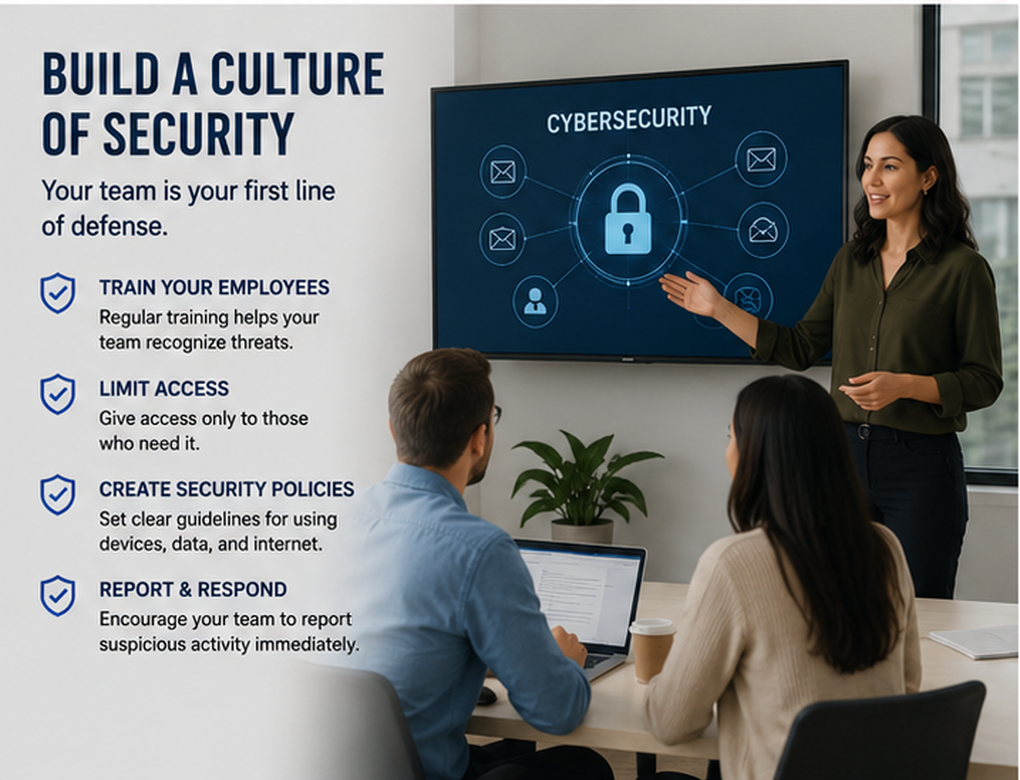
11. Create a Cybersecurity Policy
Even a small company can benefit from a simple written cybersecurity policy.
The policy should explain how employees are expected to use company devices, passwords, email, cloud services, networks, and sensitive information.
It can also cover procedures for reporting suspicious activity.
A basic policy might address:
- Password requirements
- MFA
- Software installation
- Acceptable device use
- Data handling
- Remote work
- Email security
- Incident reporting
- Backup responsibilities
Policies should be realistic and understandable. Complicated rules that employees cannot follow may provide little practical benefit.
12. Secure Your Business Website
A business website can also become a target.
Website administrators should keep the content management system, themes, plugins, and other components updated.
Administrative accounts should use unique passwords and MFA when supported.
Businesses should remove unused plugins, old accounts, and unnecessary components that may increase the attack surface.
Regular website backups are also important.
If an outside developer or agency manages the website, businesses should understand who has administrator access and how that access is protected.
13. Be Careful With Cloud Services
Cloud platforms can provide small businesses with powerful and convenient tools, but accounts still need to be configured securely.
Before using a cloud service for sensitive information, evaluate its security features and access controls.
Businesses should know:
- Who can access stored information
- Which accounts have administrator privileges
- Whether MFA is available
- How files are shared
- How deleted information is handled
- How data can be backed up or recovered
Employees should avoid making confidential documents publicly accessible through unrestricted sharing links.
14. Protect Payment and Financial Information
Financial accounts require additional attention because attackers frequently use social engineering to steal money.
Businesses should establish clear procedures for payments and changes to banking information.
Large or unusual payments may require confirmation from more than one authorized person.
Unexpected requests to change supplier payment details should also be independently verified.
Companies should avoid sending sensitive financial credentials through insecure communication channels.
Banking accounts should be monitored regularly for unauthorized transactions.
15. Have a Cybersecurity Incident Response Plan
Even businesses with good cybersecurity practices can experience security incidents.
An incident response plan explains what employees should do if something goes wrong.
The plan can include:
- Who should be contacted
- How affected devices should be isolated
- How passwords will be changed
- How backups will be accessed
- Which external specialists may be needed
- How customers or partners will be informed when necessary
- How the incident will be documented
Contact information should be accessible even if normal business systems become unavailable.
Preparing in advance can help reduce confusion during a stressful situation.
16. Review Third-Party Vendors
Small businesses often rely on external companies for accounting, payroll, hosting, marketing, payments, IT support, and cloud storage.
These vendors may handle sensitive information or have access to business systems.
Before granting access, consider what information the vendor actually needs and whether unnecessary permissions can be avoided.
Access should also be reviewed when a contract ends.
A former contractor should not retain access to systems indefinitely.
Third-party security should be considered part of the company’s overall cybersecurity strategy.
17. Protect Remote Workers
Remote and hybrid work create additional security considerations.
Employees working outside the office may use home Wi-Fi, personal devices, or public networks.
Businesses should establish clear remote-working requirements.
Company-managed devices may be preferable for sensitive activities because the organization can maintain security settings more consistently.
Employees should also understand the risks associated with accessing confidential information over unsecured public Wi-Fi.
Secure remote-access technologies should be used where appropriate.
18. Monitor Accounts for Suspicious Activity
Cybersecurity is not only about preventing attacks. Businesses should also try to identify suspicious behavior quickly.
Review account activity, login notifications, administrator changes, financial transactions, and security alerts.
Unusual signs might include:
- Logins from unexpected locations
- Password changes that employees did not request
- New administrator accounts
- Unexpected email-forwarding rules
- Unusual financial transactions
- Unknown devices accessing accounts
Early detection can reduce the amount of damage caused by a compromised account.
19. Remove Access When Employees Leave
Employee departures should trigger a security checklist.
Business access should be removed promptly from email, cloud platforms, social media accounts, internal software, financial systems, and other services.
Company-owned devices, access cards, and security keys should also be returned.
Shared passwords should be changed if the departing employee knew them.
A structured offboarding process prevents former employees or forgotten accounts from retaining unnecessary access.
20. Review Cybersecurity Regularly
Cybersecurity is not a one-time project.
Technology changes, employees join and leave, new software is introduced, and cybercriminals develop new methods.
Small businesses should periodically review:
- User accounts
- Administrator privileges
- Software updates
- Backup status
- Security policies
- Connected devices
- Third-party access
- Employee training
- Incident response procedures
Regular reviews can identify weaknesses before they become serious problems.
Creating a Simple Cybersecurity Strategy
Small businesses do not need to implement every advanced security technology immediately.
Start with the fundamentals.
Protect important accounts with unique passwords and MFA. Keep devices updated. Back up critical information. Train employees to recognize suspicious messages. Limit unnecessary access and prepare a basic incident response plan.
Once these fundamentals are established, businesses can evaluate additional security measures based on their size, industry, information sensitivity, and risk level.
For organizations handling highly sensitive or regulated information, professional cybersecurity guidance may also be appropriate.
Common Cybersecurity Mistakes Small Businesses Should Avoid
Some security mistakes can significantly increase business risk.
These include reusing passwords, ignoring software updates, sharing administrator accounts, failing to maintain backups, giving employees unnecessary permissions, and assuming cybercriminals only target large companies.
Another dangerous mistake is failing to verify unusual financial requests.
Attackers can impersonate executives, suppliers, or employees. A simple independent verification process can prevent potentially costly fraud.
Benefits of Strong Cybersecurity
Cybersecurity should not be viewed only as an expense.
Good security practices can support business stability and customer confidence.
Potential benefits include:
- Better protection of customer information
- Reduced risk of business disruption
- Improved employee awareness
- Safer online transactions
- Stronger business continuity
- Greater customer confidence
- Better protection of company reputation
Clients increasingly expect businesses to handle their information responsibly.
Taking cybersecurity seriously demonstrates professionalism and good business management.
Final Thoughts
Following cybersecurity best practices for small businesses does not require making every system perfectly secure. No organization can eliminate cyber risk completely.
The goal is to make attacks more difficult, reduce unnecessary vulnerabilities, detect suspicious activity earlier, and prepare the business to recover if an incident occurs.
Start with practical fundamentals: use unique passwords, enable multi-factor authentication, update software, educate employees, maintain reliable backups, secure networks, limit access, and create an incident response plan.
Most importantly, treat cybersecurity as an ongoing business process.
Small improvements made consistently can create multiple layers of protection and help safeguard your business, customers, employees, finances, and reputation.
Frequently Asked Questions
What are the most important cybersecurity practices for small businesses?
Important practices include using unique passwords, enabling MFA, regularly updating software, maintaining backups, training employees against phishing, and limiting access to sensitive information.
Why do cybercriminals target small businesses?
Small businesses may hold valuable financial and customer information while sometimes having fewer cybersecurity resources than larger organizations.
How often should a small business back up its data?
The appropriate frequency depends on how often critical information changes. Businesses should establish regular automated backups and test whether those backups can actually be restored.
Is antivirus software enough for a small business?
No. Security software is useful, but businesses should also use MFA, backups, software updates, employee training, access controls, and secure account-management practices.
What should a small business do after a cyberattack?
Follow the organization’s incident response plan, isolate affected systems where appropriate, secure compromised accounts, preserve relevant information, contact qualified professionals, and meet applicable legal or notification requirements