The internet has become an essential part of modern life. People use digital devices for communication, shopping, banking, education, entertainment, work, and countless other activities. Businesses also depend on websites, cloud platforms, applications, databases, and connected networks to operate every day.
This digital transformation has made life more convenient, but it has also created new security risks.
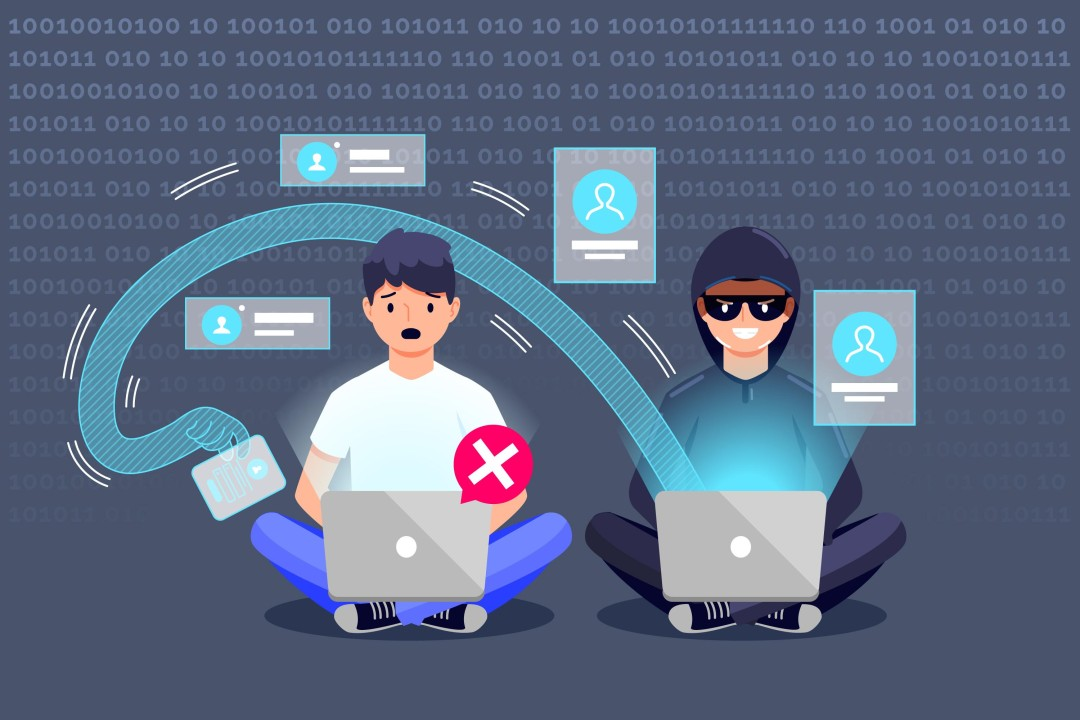
Cyber threats can target individuals, businesses, governments, and organizations of every size. Attackers may attempt to steal information, access accounts, disrupt services, spread malicious software, or manipulate people into revealing sensitive details.
This is why digital security has become an essential part of everyday technology use.
Understanding common cyber threats and learning basic security practices can help people make safer decisions online and protect their valuable information.
What Are Cyber Threats?
Cyber threats are potential dangers that can affect computers, networks, applications, accounts, devices, or digital information.
These threats can come from individuals, organized criminal groups, malicious software, compromised accounts, or other sources.
Some attacks are designed to steal information, while others focus on disrupting services or gaining unauthorized access.
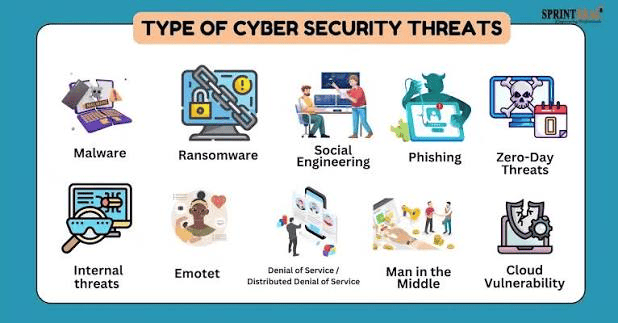
Common cyber threats include:
- Phishing
- Malware
- Ransomware
- Password attacks
- Social engineering
- Identity theft
- Data breaches
- Spyware
- Denial-of-service attacks
The methods used by attackers continue to evolve as technology changes.
What Is Digital Security?
Digital security is the practice of protecting digital devices, accounts, networks, systems, and information from unauthorized access, misuse, damage, or disruption.
Digital security includes both technical protections and everyday user habits.
Firewalls, encryption, security software, access controls, and authentication systems can protect digital environments. At the same time, users need to recognize suspicious messages, create strong passwords, update software, and handle personal information carefully.
Effective digital security is therefore a combination of technology, awareness, and responsible behavior.
Why Digital Security Matters
People often do not think about cybersecurity until something goes wrong.
A compromised account can expose private conversations. A stolen password can provide access to multiple services. A malware infection can disrupt a computer or cause valuable information to be lost.
For businesses, the consequences can be even more serious.
A cyber incident may result in financial losses, operational disruption, customer concerns, reputational damage, and the exposure of confidential information.
Strong digital security helps reduce these risks and creates greater trust in online services.
1. Phishing Attacks
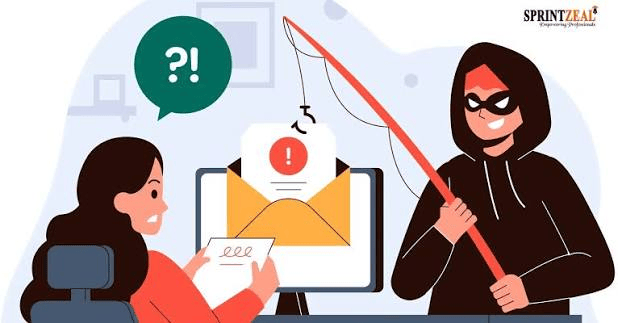
Phishing is one of the most common cyber threats.
In a phishing attack, criminals attempt to convince people that a message, email, website, or request is legitimate.
The message might appear to come from a bank, online service, employer, delivery company, or another familiar organization.
Attackers may ask users to:
- Click a link
- Enter a password
- Confirm account information
- Open an attachment
- Send personal information
- Make a payment
A major warning sign is often a message that creates unnecessary urgency or fear.
Before clicking a link or responding to a suspicious request, verify the sender and use official channels to access the relevant service.
2. Malware
Malware is malicious software created to perform unauthorized or harmful actions.
Different types of malware can have different purposes.
Some malware may steal information, monitor activity, damage files, or give unauthorized users access to a device.
Malware can be distributed through malicious attachments, unsafe downloads, compromised websites, or other methods.
Keeping software updated and downloading applications from trusted sources can reduce exposure to some malware risks.
3. Ransomware
Ransomware is a particularly disruptive form of malware.
It can prevent users or organizations from accessing files or systems, with attackers often demanding payment in exchange for restoring access.
Businesses can reduce the potential impact of ransomware through regular backups, appropriate access controls, software updates, security monitoring, and employee awareness.
A backup strategy is particularly important because it can help organizations recover important information without depending entirely on an attacker’s demands.
4. Password Attacks
Passwords are still an important part of digital security.
Weak, short, predictable, or reused passwords can make accounts more vulnerable.
Using a unique password for every important account can reduce the impact of a compromised password.
A password manager can also help users create and manage strong passwords without having to remember every one.
For important accounts, multi-factor authentication provides an additional layer of protection.
5. Social Engineering
Some cyberattacks target human behavior rather than directly attacking technology.
This is known as social engineering.
An attacker may pretend to be a colleague, manager, customer, technical support representative, or another trusted person.
The goal may be to persuade someone to reveal confidential information or perform an action that creates a security risk.
The best defense is awareness.
If a request seems unusual, especially when it involves passwords, money, confidential information, or urgent action, verify it independently before responding.
6. Identity Theft
Identity theft occurs when someone uses another person’s personal information without authorization.
Information such as names, account details, identification data, or financial information can potentially be misused.
People can reduce some risks by limiting the personal information they share online, securing accounts, monitoring financial activity, and being careful about suspicious requests.
7. Data Breaches
A data breach can occur when unauthorized individuals gain access to protected information.
Businesses and organizations may store large amounts of customer and employee information, making them attractive targets for attackers.
Individuals may not always be able to prevent a breach at a company they use, but they can reduce the potential impact by using unique passwords and multi-factor authentication.
If a service reports that an account may have been affected by a breach, users should follow the organization’s security recommendations and change credentials when appropriate.
Protecting Your Digital Accounts
Strong account security begins with basic habits.
Use Unique Passwords
Avoid using the same password across multiple services.
If one account is compromised, reused credentials could put other accounts at risk.
Enable Multi-Factor Authentication
MFA requires additional verification beyond a password.
This can make unauthorized account access more difficult.
Review Account Activity
Some services provide login history or security notifications.
Reviewing unusual activity can help identify potential problems.
Keep Recovery Information Updated
Make sure your account recovery methods are current so you can regain access if necessary.
Keep Your Devices Secure
Phones, tablets, laptops, and computers contain valuable information.
Basic device security should include:
- Regular software updates
- Screen locks
- Security features provided by the operating system
- Trusted applications
- Secure backups
- Careful handling of downloads
Avoid installing unknown software simply because a website tells you that it is necessary.
The Importance of Software Updates
Software developers regularly release security patches to address vulnerabilities.
Ignoring updates can leave devices exposed to known weaknesses.
Keep operating systems, browsers, applications, and other important software updated.
Automatic updates can make this process easier when they are available and appropriate.
Digital Security on Public Wi-Fi
Public Wi-Fi can be convenient, but users should be careful when accessing sensitive services from unfamiliar networks.
Avoid performing highly sensitive activities on networks you do not trust, particularly if you are unsure how the network is secured.
Make sure your device’s security settings are configured appropriately and use secure, trusted services when handling important information.
Protecting Personal Information Online
The information you share online can contribute to your digital footprint.
Avoid publicly sharing sensitive information unnecessarily.
Review privacy settings on social media and other online services.
Be cautious about quizzes, forms, applications, and websites requesting personal information.
Before providing sensitive details, ask whether the information is genuinely necessary and whether the organization requesting it is trustworthy.
Digital Security for Businesses
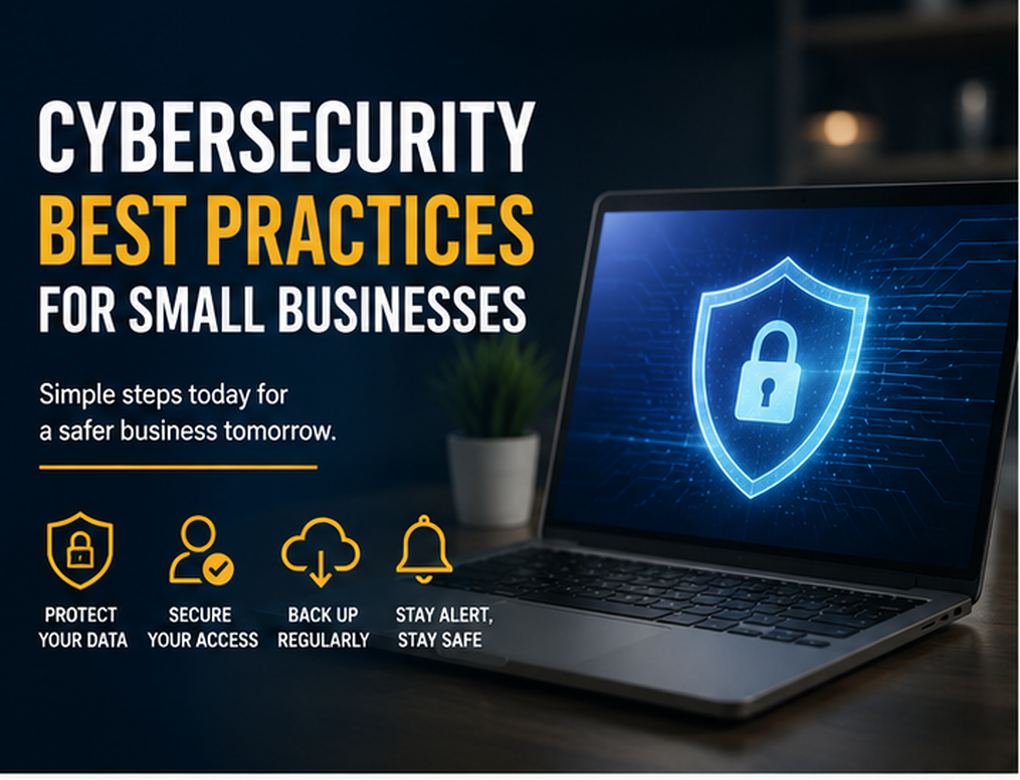
Businesses need a more comprehensive approach to cybersecurity because they manage systems, employees, customers, and large amounts of data.
A business security strategy may include:
- Employee security training
- Strong authentication
- Access controls
- Regular backups
- Network protection
- Software updates
- Security monitoring
- Incident response planning
- Data protection policies
- Regular security assessments
Employees should only have access to the information and systems required for their responsibilities.
This principle can help limit the impact of compromised accounts.
The Human Factor in Cybersecurity
Technology can provide powerful protection, but people remain an important part of digital security.
A sophisticated security system cannot completely prevent someone from voluntarily giving sensitive information to a convincing attacker.
Security awareness training can help people identify suspicious emails, fake websites, social engineering attempts, and unusual requests.
Creating a culture where employees feel comfortable reporting suspicious activity can also help organizations respond more quickly to potential incidents.
Artificial Intelligence and Cybersecurity
Artificial intelligence is becoming increasingly relevant to cybersecurity.
Security teams can use advanced analytical systems to examine large volumes of activity and identify unusual patterns.
AI may help detect suspicious behavior, prioritize alerts, and support security professionals.
However, attackers can also use advanced technologies to improve their methods.
This means cybersecurity will continue to evolve as defenders and attackers adopt new tools.
Human oversight, responsible implementation, and strong security practices remain important.
Building a Digital Security Routine
Digital security does not have to be complicated.
A simple routine can make a meaningful difference.
Every day: Be careful with suspicious messages, links, and requests.
Regularly: Check account activity and install available security updates.
Periodically: Review passwords, privacy settings, and recovery information.
For important data: Maintain reliable backups.
For businesses: Conduct security training and review security policies regularly.
Small habits become much more effective when they are practiced consistently.
What to Do After a Security Incident
If you believe an account or device has been compromised, act quickly.
Depending on the situation, you may need to:
- Disconnect a compromised device from networks.
- Change affected passwords using a trusted device.
- Enable multi-factor authentication.
- Contact the relevant service provider.
- Review account activity.
- Check financial accounts if financial information may be affected.
- Restore systems from clean backups when appropriate.
- Report serious incidents through the appropriate channels.
The correct response depends on the type and severity of the incident.
The Future of Digital Security
As more services move online, digital security will become even more important.
Connected devices, cloud computing, artificial intelligence, remote work, digital payments, and smart technologies are creating new opportunities while also introducing new security considerations.
Future security systems will likely become more automated and adaptive.
However, technology alone will not solve every cybersecurity problem.
Education, responsible behavior, strong policies, privacy protection, and cooperation between organizations will remain essential.
Conclusion
Cyber threats are a growing part of the modern digital environment, but individuals and businesses can take practical steps to reduce their risks.
Phishing, malware, ransomware, password attacks, social engineering, and data breaches can affect people in different ways. Understanding these threats is the first step toward better protection.
Strong passwords, multi-factor authentication, software updates, secure backups, careful online behavior, and cybersecurity awareness can create important layers of defense.
Digital security is not a one-time task. It is an ongoing process that needs to evolve alongside technology.
By developing safer digital habits and taking security seriously, we can make the connected world more secure, trustworthy, and resilient.
Frequently Asked Questions
What are the most common cyber threats?
Common cyber threats include phishing, malware, ransomware, password attacks, social engineering, identity theft, spyware, and data breaches.
How can I protect myself from cyber threats?
Use unique passwords, enable multi-factor authentication, keep software updated, avoid suspicious links and downloads, protect personal information, and maintain backups of important data.
What is digital security?
Digital security is the practice of protecting devices, accounts, networks, systems, and digital information from unauthorized access, misuse, damage, or disruption.
Why are strong passwords important?
Strong and unique passwords make accounts more difficult to access through guessing or credential attacks. Using different passwords also limits the impact of a compromised account.
What should I do if I click a suspicious link?
If you suspect that a link may have exposed your account or device, avoid entering additional information, close the page, run appropriate security checks, and change affected credentials if necessary using a trusted device.
Is cybersecurity only important for businesses?
No. Individuals are also targets of cyber threats. Personal email accounts, social media profiles, financial accounts, smartphones, and other devices can contain valuable information and should be protected.